
Digital Marketing
How to Turn Your LinkedIn Profile Into a Client-Attracting Page
A step-by-step guide to rewriting your LinkedIn headline, About section and Featured area so the right clients understand what you do and how to hire you.
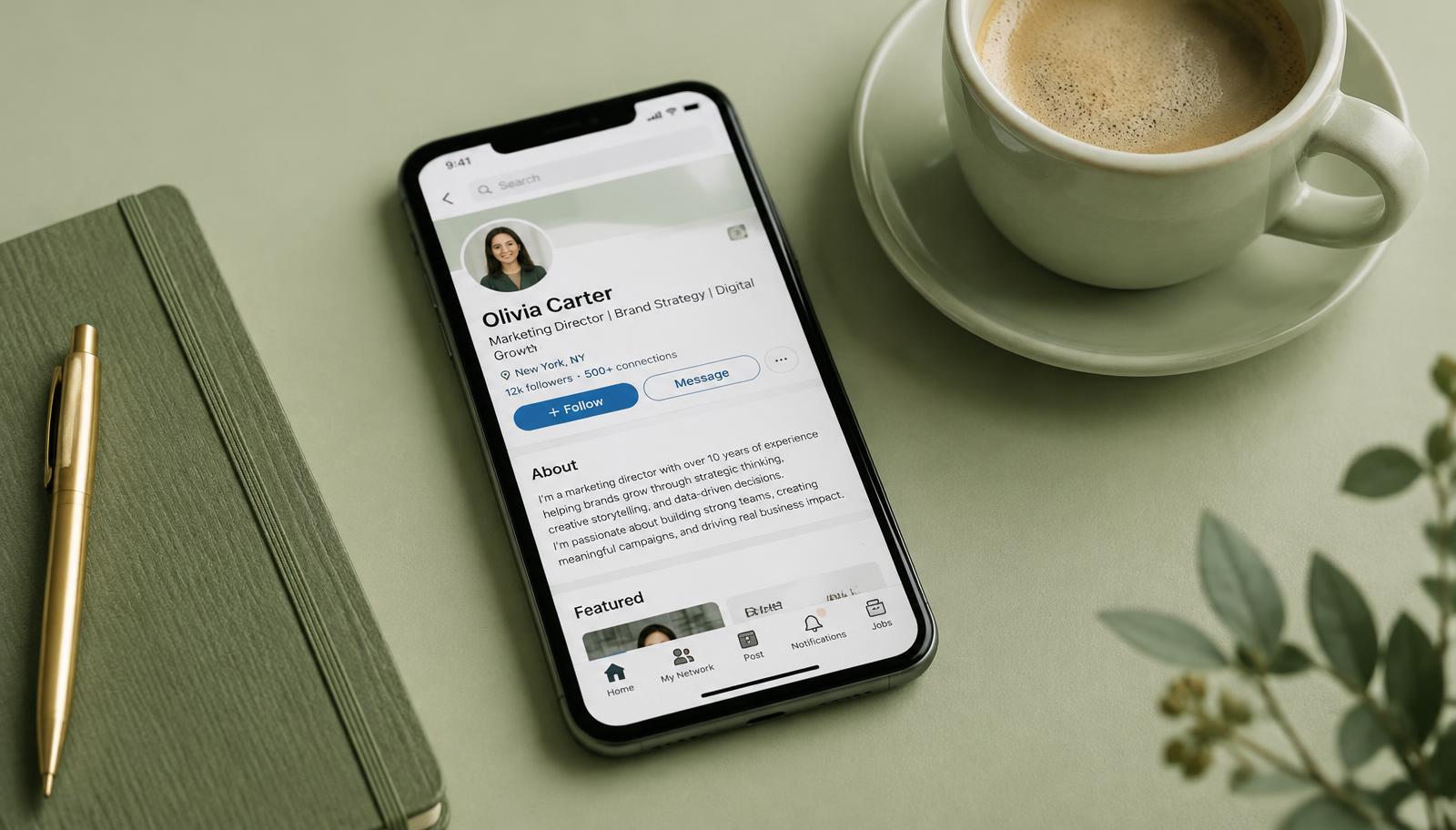
For many freelancers and consultants, LinkedIn is the first place a potential client looks after hearing your name. They want to know three things quickly: what you do, who you help, and whether you are trustworthy. Most profiles answer none of these clearly, because they read like an old CV instead of a page designed to win work.
This guide shows you how to rebuild your profile section by section, then how to use it consistently so clients find you rather than the other way around.
Think of your profile as a landing page
A CV is about your past. A client-attracting profile is about the client's future: the problem they have and the result you help them reach. Every section should help a visitor answer, "Is this the right person for my problem, and what should I do next?"
Before editing anything, write one sentence that completes this line: I help [specific type of client] achieve [specific result] by [how you do it]. For example: "I help early-stage SaaS companies turn free trials into paid customers with clear onboarding emails." This sentence will shape everything else.
The photo and banner
Use a clear, recent, well-lit photo where your face fills most of the frame. You do not need a professional photographer — a phone camera near a window works. The banner is free advertising space: add a short line describing your offer and, if you like, a simple call to action such as "Booking projects for next month".
The headline: say what you do for whom
The headline appears next to your name everywhere — in comments, search results and messages. "Freelancer" or "Open to work" tells people nothing. Strong headlines follow a simple pattern:
- Role + audience + result: "Web designer for physiotherapy clinics | Websites that book appointments"
- Result first: "Helping B2B founders get more qualified leads from LinkedIn content"
Include the words clients would actually search for, but write for humans first. Avoid stacking ten buzzwords separated by vertical bars.
The About section: a short, honest story
Your About section should read like a friendly conversation with a potential client. A simple structure that works:
- Open with their problem. "Most clinic websites look fine but don't turn visitors into booked appointments."
- Show you understand it. Briefly describe what usually goes wrong.
- Explain your approach. How you work, in two or three sentences.
- Add proof. A result, a type of client, or a project you're proud of. If you're new, describe what you've built or practiced honestly.
- Tell them what to do next. "Send me a message with your website link and I'll share three quick ideas."
Keep paragraphs short — people read on phones. Around 200 to 300 words is plenty.
The Featured section: your mini portfolio
The Featured section sits near the top of your profile and is often overlooked. Use it to show your best two or three pieces of evidence:
- A case study or portfolio page on your own website.
- A post that explains how you approach a common client problem.
- A short video introducing yourself and your service.
- A free resource such as a checklist.
Choose items that a busy client can understand in under a minute.
Experience: write outcomes, not duties
Add your freelance business as a current position with a clear title, such as "Freelance Copywriter — Email Marketing for SaaS". Under it, list a few outcomes and types of projects rather than generic duties. Past jobs still matter; briefly highlight the parts most relevant to the clients you want now.
Skills, recommendations and services
Pin the skills that match your offer. Recommendations are powerful social proof — ask past colleagues, managers or early clients for a short recommendation that mentions a specific result or quality. Make it easy by suggesting what they could mention. If LinkedIn offers a services section in your region, fill it in so you appear in relevant searches.
Posting: show your thinking in public
A strong profile gets more value when people actually visit it. Posting a few times a week is one of the simplest ways to bring the right visitors. Useful post ideas:
- A common mistake you see in your clients' industry, and how to fix it.
- A short before-and-after of a project (with permission).
- A lesson from a recent piece of work.
- An honest opinion about a trend in your field.
Write as if you're explaining something to one client over coffee. Avoid engagement bait like "Comment YES for my free guide", and never buy likes or followers — it's against the platform's rules and attracts the wrong audience.
Commenting and connecting
Spend ten minutes a day leaving thoughtful comments on posts by potential clients and respected people in their industry. Good comments add a perspective or a question; they don't pitch. When you send connection requests, add a short personal note explaining why you'd like to connect. Don't send a sales pitch immediately after someone accepts.
Turning visits into conversations
When someone views your profile, comments on your posts or asks a question, that's an opening. A natural message might be: "Thanks for the comment on my post about booking forms — are you working on anything similar at the moment?" Conversations lead to calls, and calls lead to projects.
A quick profile checklist
- Clear photo and a banner that states your offer.
- Headline with role, audience and result.
- About section that starts with the client's problem and ends with a next step.
- Featured section with two or three pieces of proof.
- Current freelance position with outcomes.
- At least two or three recommendations.
- A posting rhythm you can maintain for months.
Key takeaways
Your LinkedIn profile is often the first impression a client gets. Treat it as a landing page: be specific about who you help, prove you can do it, and make the next step obvious. Then post and comment consistently so the right people actually see it.
Newsletter
One practical client-getting idea, every week
No spam. Unsubscribe anytime.