
AI Tools & Automation
Practical AI Tools for Freelancers: Save Hours Without Losing Quality
Where AI genuinely helps freelancers — research, drafting, admin and client communication — where it doesn't, and how to use it responsibly with client work.
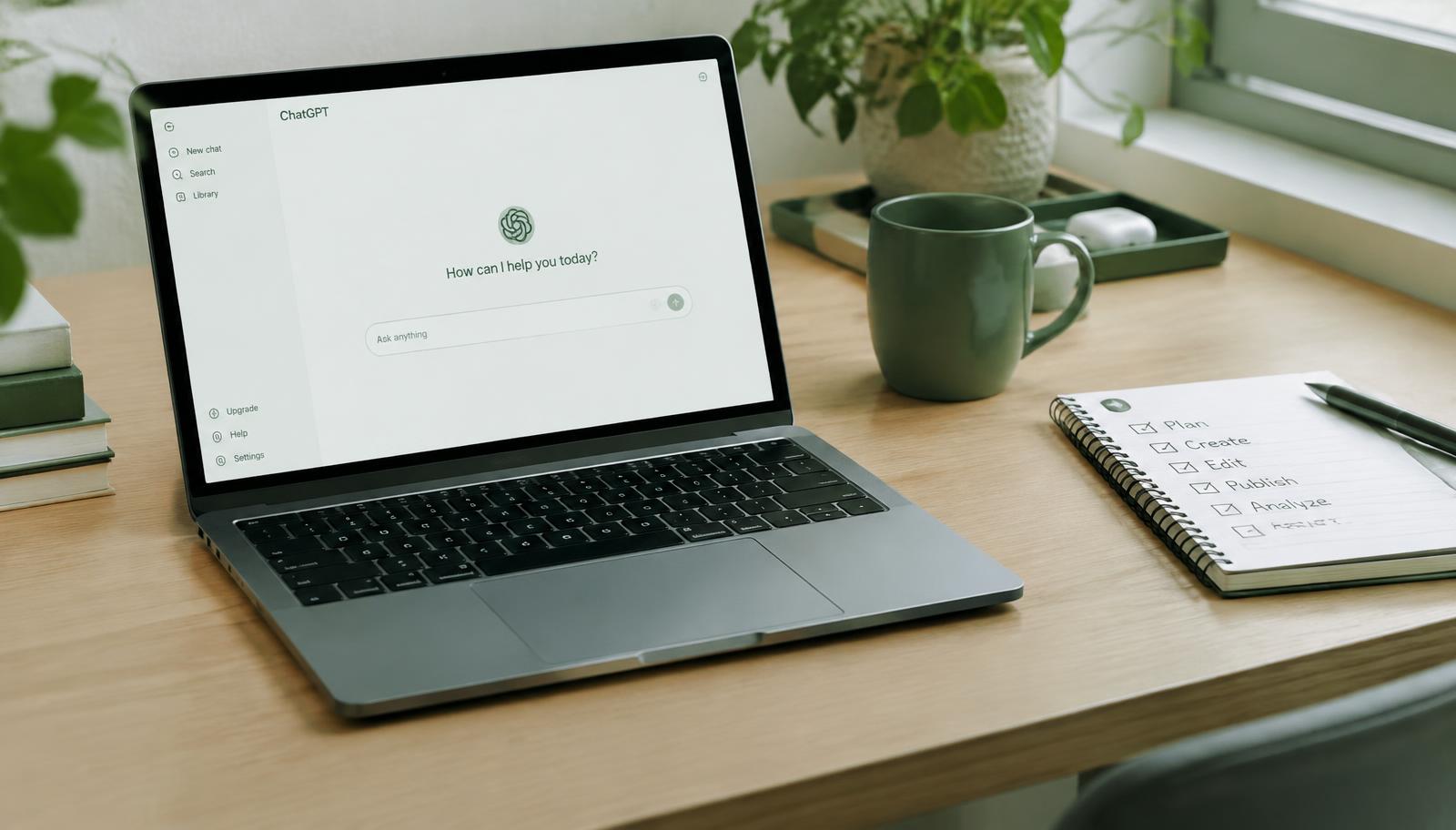
AI assistants can now draft emails, summarise documents, suggest code, generate images and organise your notes. For a freelancer, that can mean reclaiming several hours a week. It can also mean sending generic work that damages your reputation, or accidentally sharing a client's confidential data. The difference lies in how you use the tools.
This guide focuses on practical, low-risk ways to bring AI into your freelance workflow, the tasks where human judgement still matters most, and simple rules for using AI responsibly with clients.
Start with your time, not the tools
Before trying any new app, track your work for one week. Note every task and roughly how long it takes. Most freelancers find that a large share of their time goes to work that isn't the craft they're paid for: writing proposals, answering emails, preparing invoices, researching prospects, formatting documents.
Those repetitive, text-heavy tasks are where AI usually helps most. Your core craft — strategy, design decisions, final writing, careful code review — is where your judgement is the product.
1. Research and preparation
AI chat assistants are useful for getting oriented quickly:
- Summarising a prospect's public website or a long industry report.
- Listing common problems a type of business faces, as a starting point for your own research.
- Turning a client's messy brief into a structured list of questions.
Always verify facts. AI models can produce confident but wrong answers, invent statistics, or misattribute quotes. Treat their output as a draft research assistant's notes, not as a source.
2. First drafts, not final drafts
AI is good at breaking the blank page. Use it to draft an outline, a proposal structure, a first version of a cold email, or alternative headlines. Then rewrite in your own voice, add specific details only you know, and cut anything generic.
A useful prompt pattern is to give context, the audience, the goal and constraints: "Draft a 120-word follow-up email to a dental clinic owner who asked about website pricing last week. Friendly, plain English, no pressure, one clear next step." The more specific your input, the less editing you'll need.
3. Client communication
AI can help you write clearer, kinder messages — especially difficult ones such as declining a project, explaining a delay or pushing back on scope creep. Write the key points yourself, then ask the assistant to make the message clearer and more polite. Read it carefully before sending; you are responsible for every word.
4. Admin and operations
Many everyday tools now include AI features that can help you:
- Turn meeting notes into action items and a summary email.
- Draft project timelines and checklists.
- Create templates for contracts, onboarding emails and invoices (have contracts reviewed properly for your jurisdiction).
- Write spreadsheet formulas or small automations.
Even saving 20 minutes a day adds up to more than 80 hours a year.
5. Skill-specific help
- Developers can use coding assistants for boilerplate, tests and explanations of unfamiliar code — but must review everything for security and correctness.
- Designers can explore mood boards and concepts quickly, while checking the usage rights of any generated images.
- Writers and marketers can brainstorm angles, repurpose a long article into social posts, or check clarity — while keeping the final voice their own.
Where AI falls short
AI tools struggle with things clients value most:
- Original insight based on real experience and conversations.
- Taste — knowing what to leave out.
- Accountability — standing behind a recommendation.
- Accuracy in niche or fast-changing topics.
If your work starts to sound like everyone else's AI output, clients will notice. Use AI to free up time for the parts of the work that are distinctly yours.
Responsible use with client work
A few simple rules will protect you and your clients:
- Check your contract and ask. Some clients forbid AI tools or require disclosure. When in doubt, ask how they feel about it.
- Protect confidential information. Don't paste private client data, passwords, unreleased plans or personal data into tools unless you understand how that data is stored and used, and the client agrees.
- Be honest. Don't present AI-generated work as something it isn't, and don't use AI to fake reviews, testimonials or portfolio pieces.
- Check rights. Understand the terms of any tool you use to generate images, code or text for commercial projects.
- Review everything. You are responsible for the final deliverable, whatever tools helped.
A simple weekly AI workflow
- Monday: Use AI to summarise last week's notes and plan priorities.
- Daily: Draft routine emails and outreach with AI, then personalise.
- During projects: Use AI for outlines, first drafts and checklists; do the final work yourself.
- Friday: Ask AI to help write a short progress update for each client.
Choosing tools without overspending
Start with one general-purpose assistant and the AI features already inside the tools you use. Add a paid tool only when you can point to a specific task it saves real time on. Review subscriptions every few months and cancel anything you rarely open.
Key takeaways
AI is a powerful assistant for research, first drafts, communication and admin. It is not a replacement for your judgement, experience or accountability. Use it to remove busywork, protect client data, stay transparent, and spend the hours you save on the work clients actually hire you for.
Newsletter
One practical client-getting idea, every week
No spam. Unsubscribe anytime.